
One real screen
Website Store Launch Video
One source, many surfaces
Reuse one screen across website, store, launch, and video.
探索设备样机、商店截图、发布图片和动态视觉。
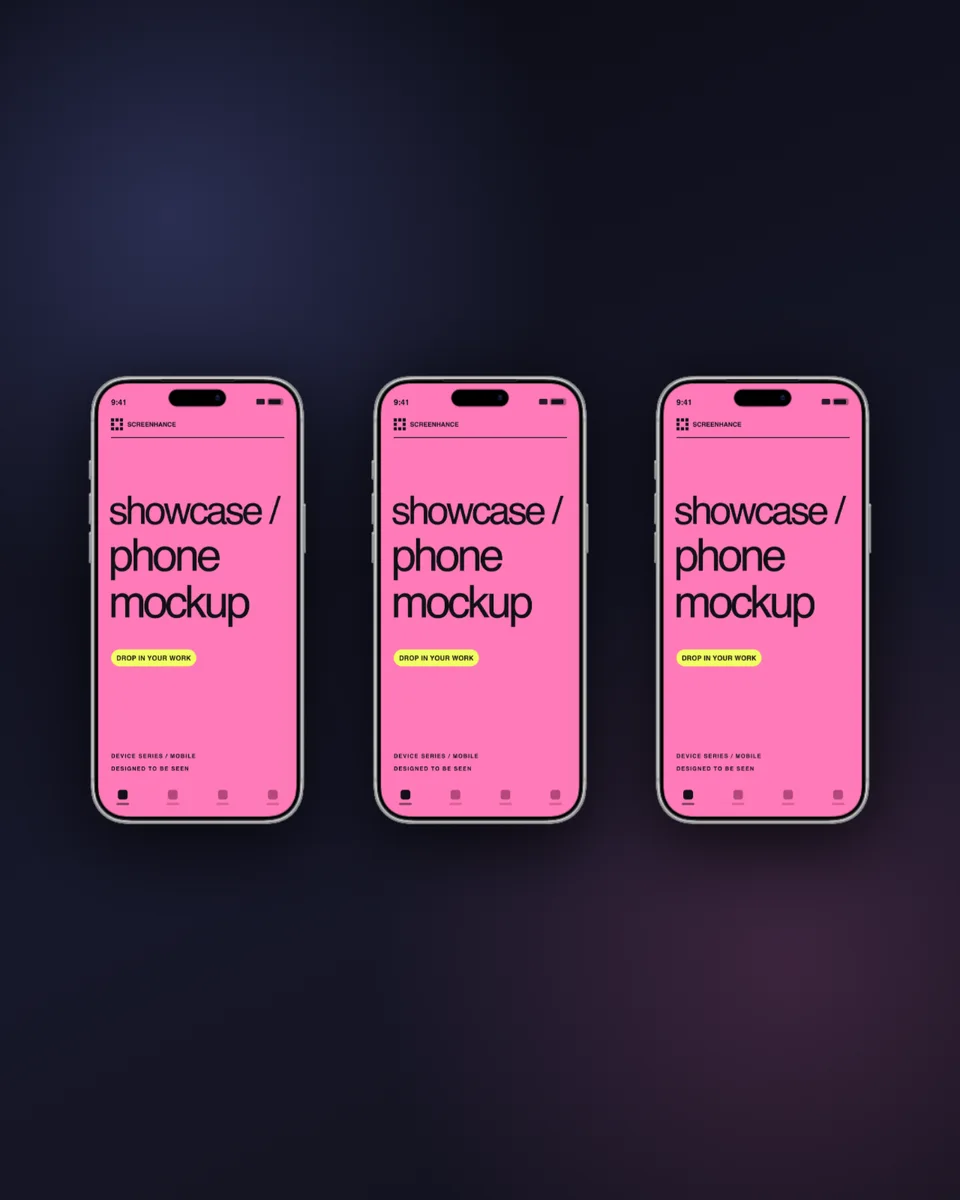
Popular mockups, launch galleries, website visuals, and Open Graph images—all ready to customize.
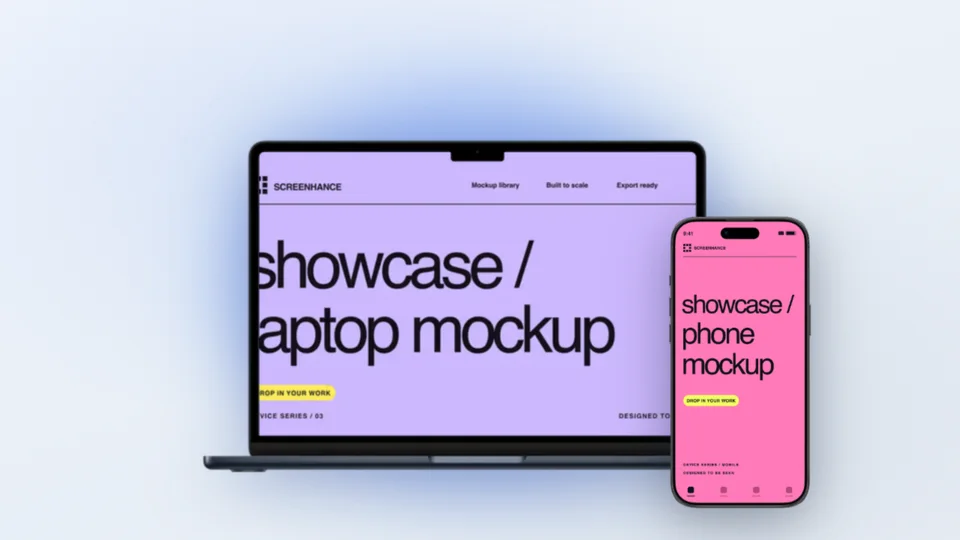
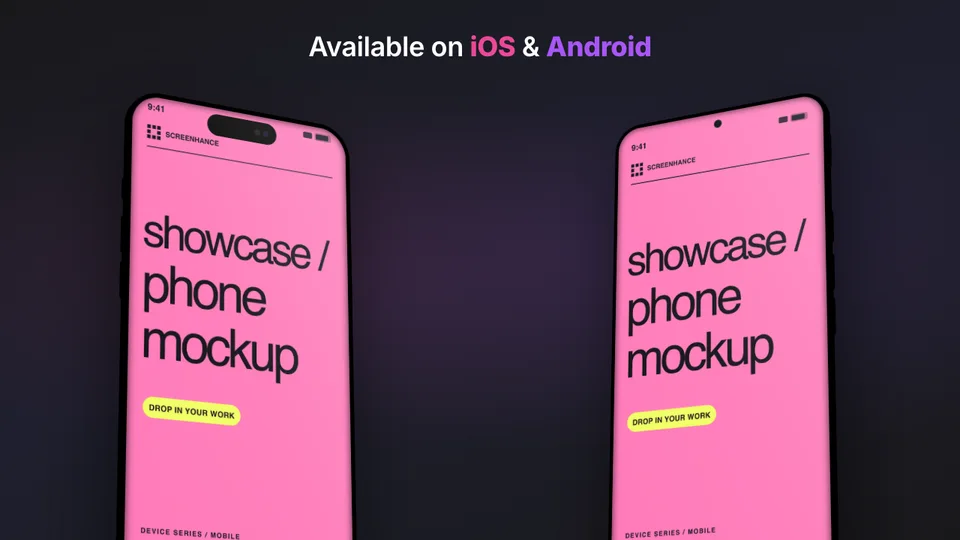
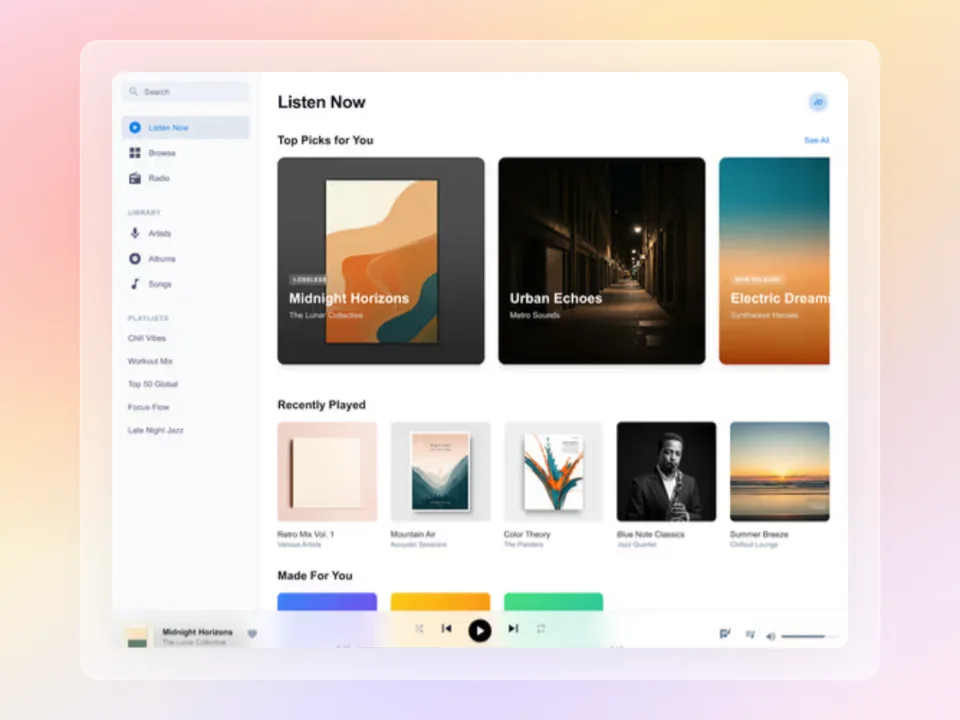
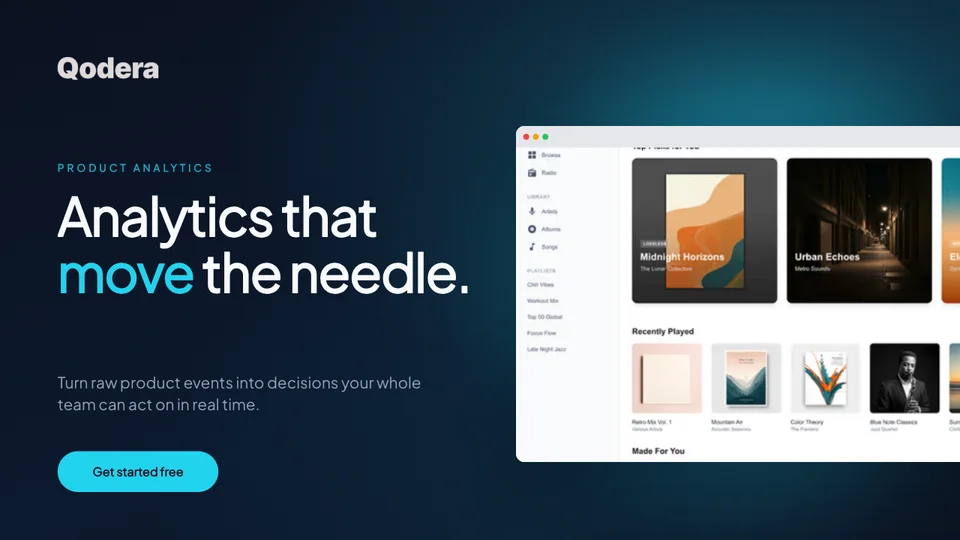
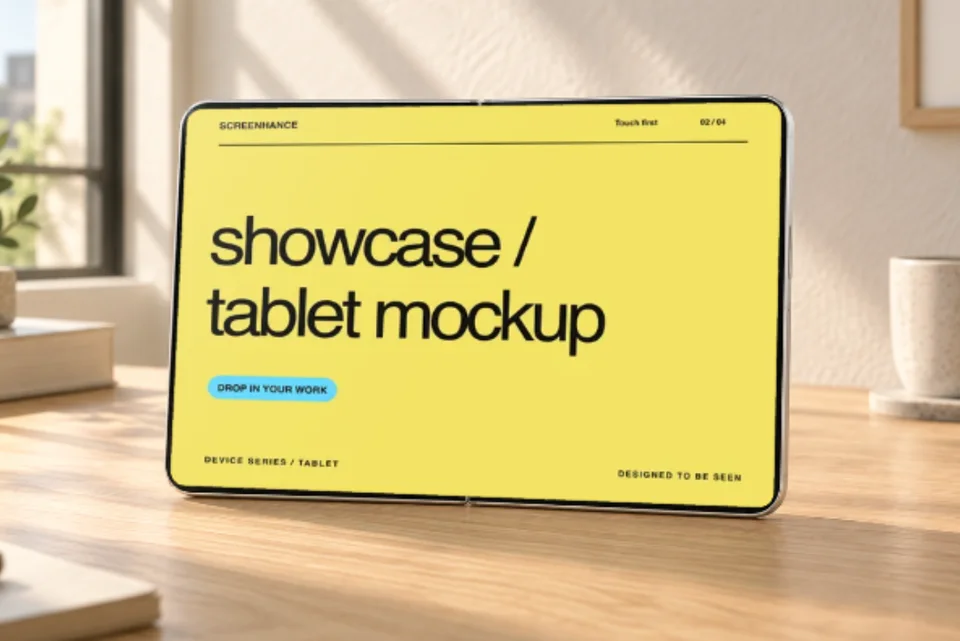
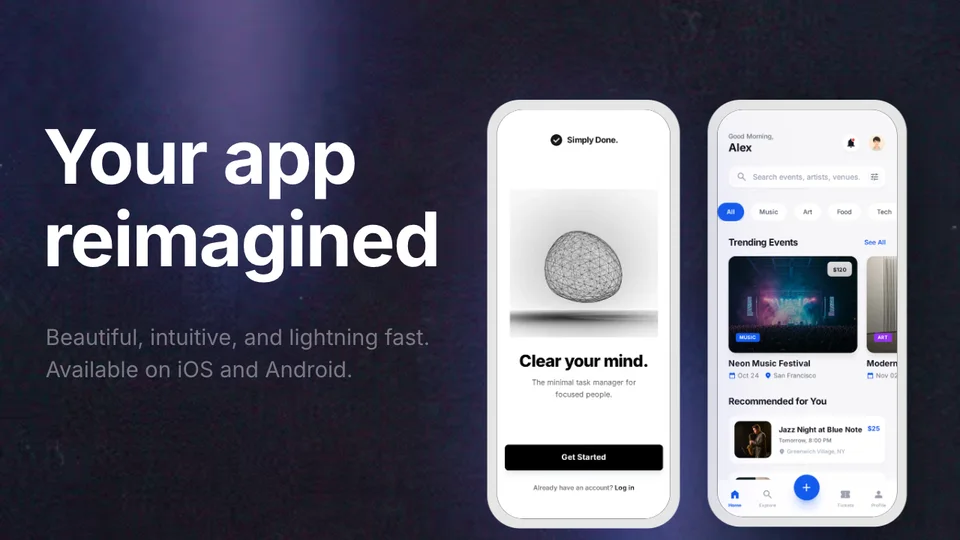
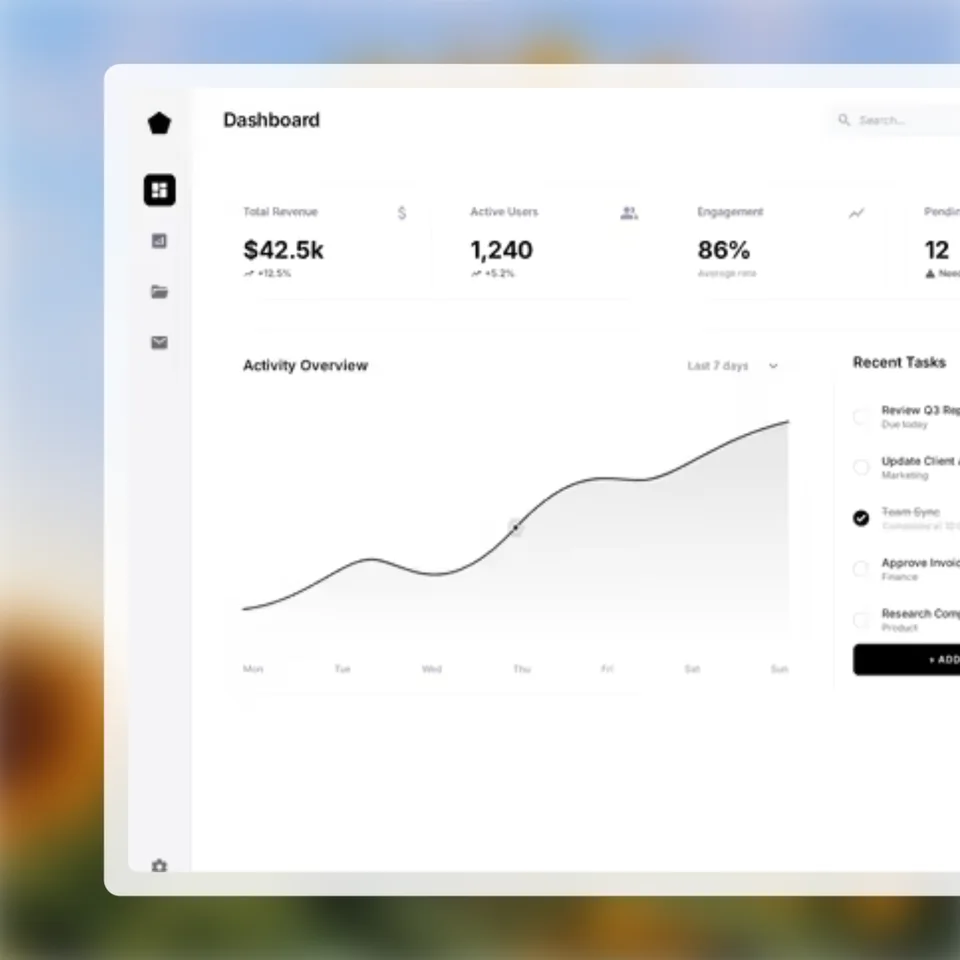
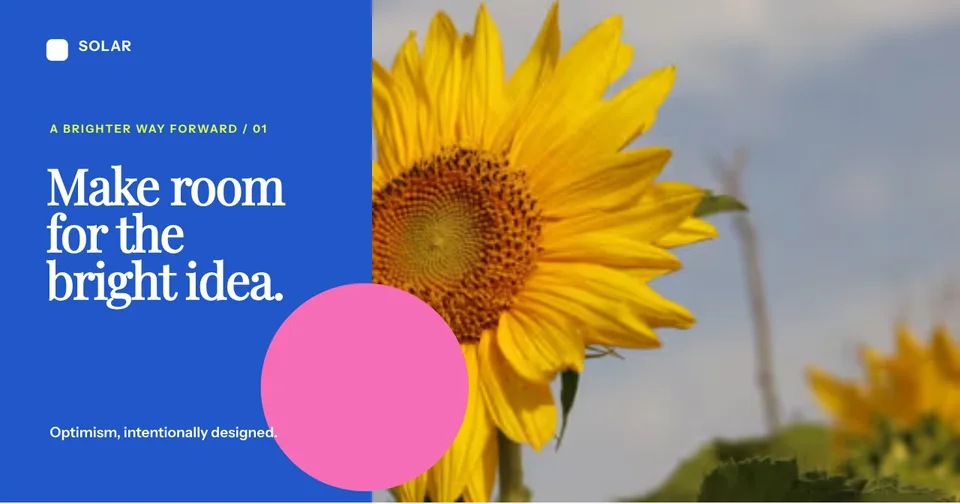
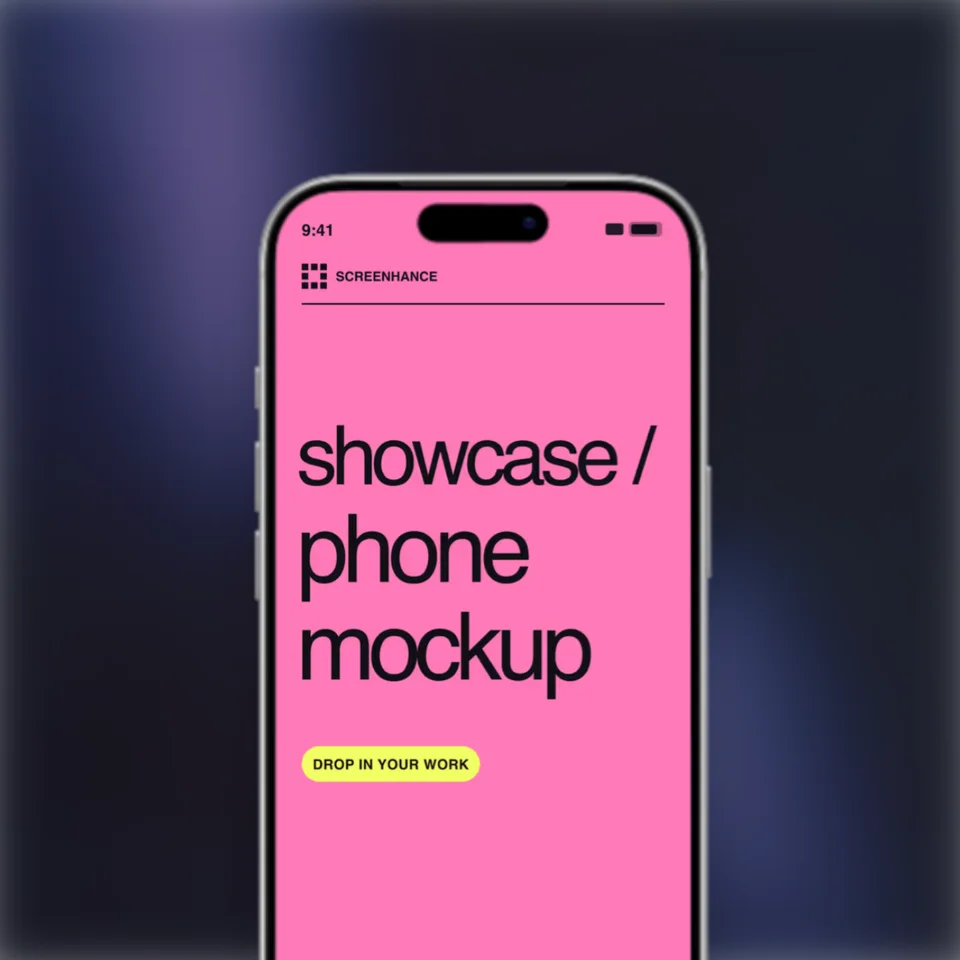

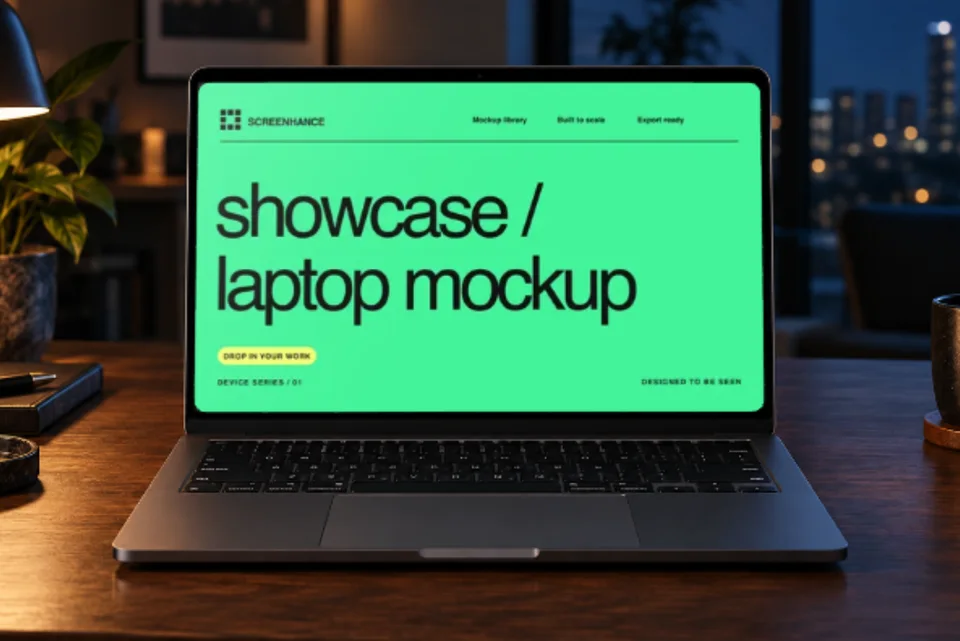
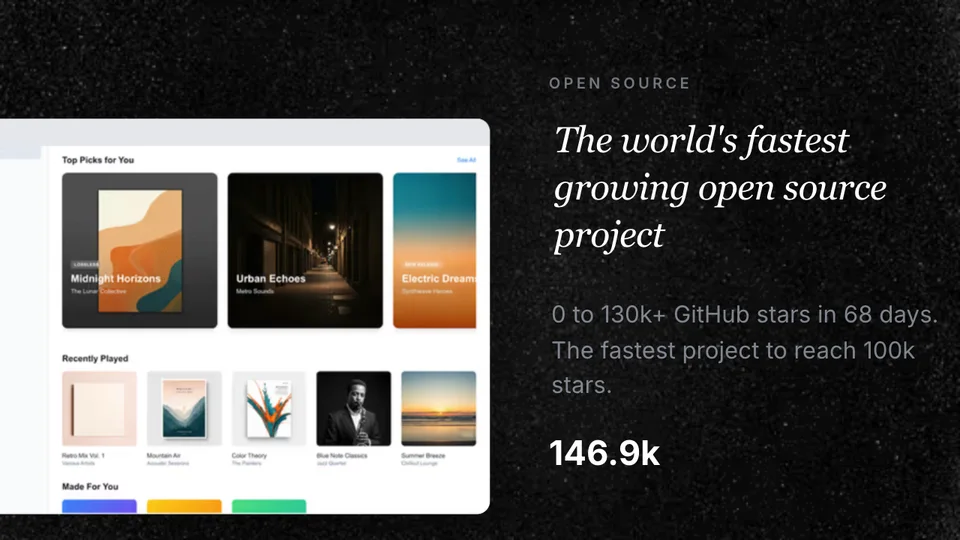
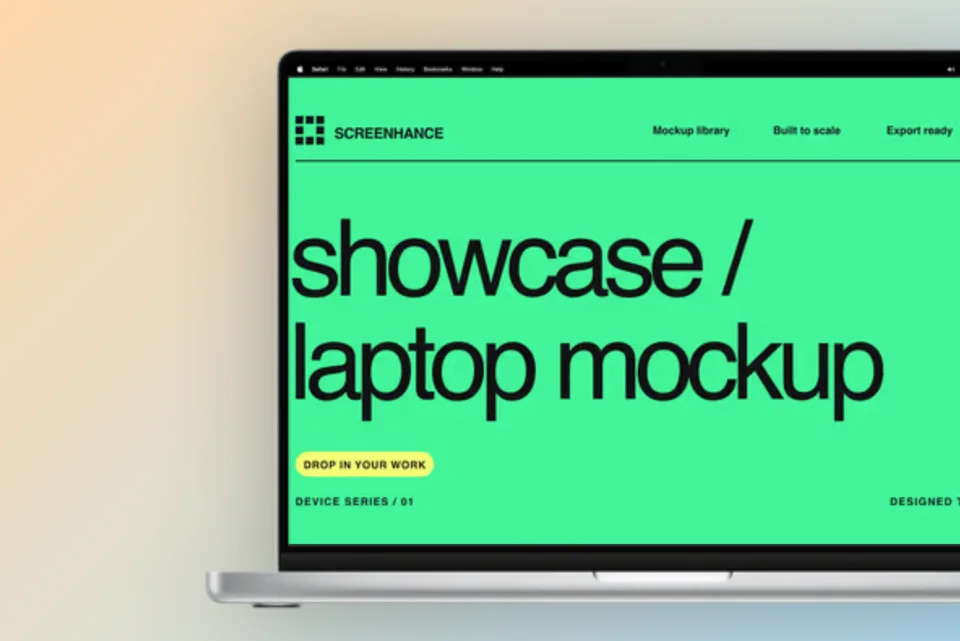
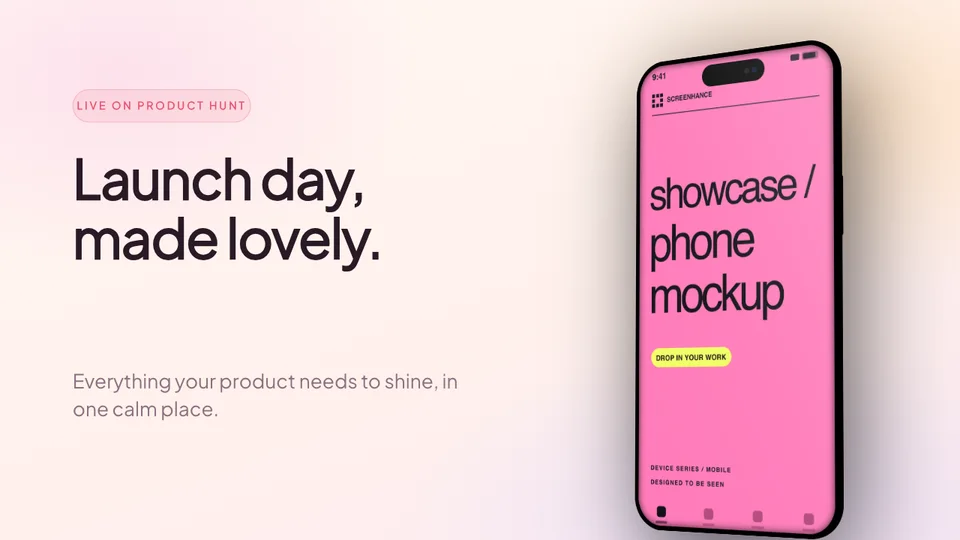
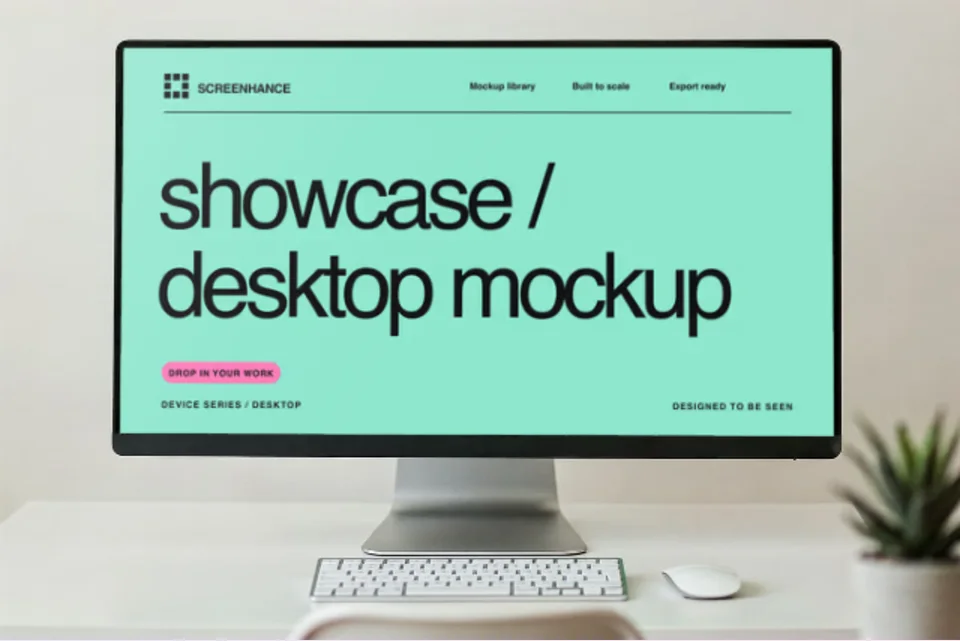
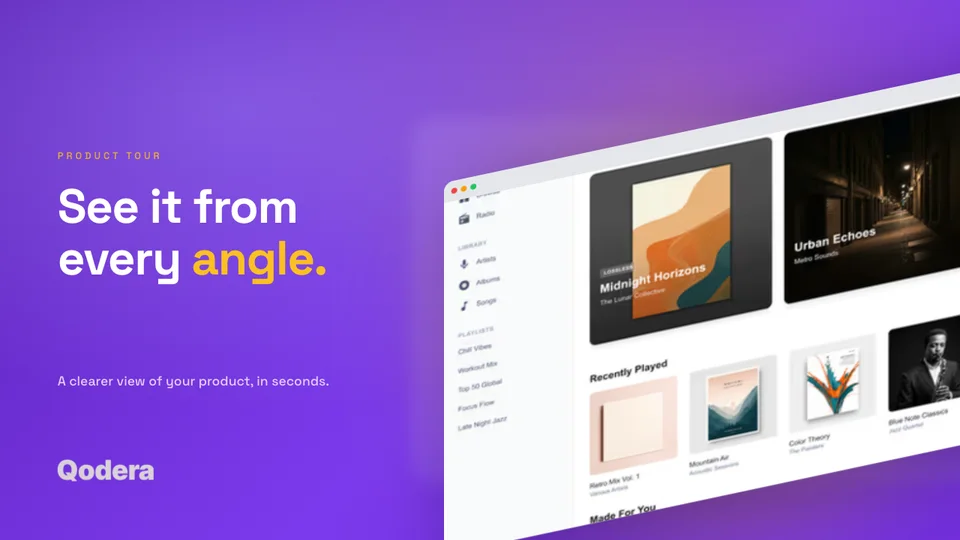
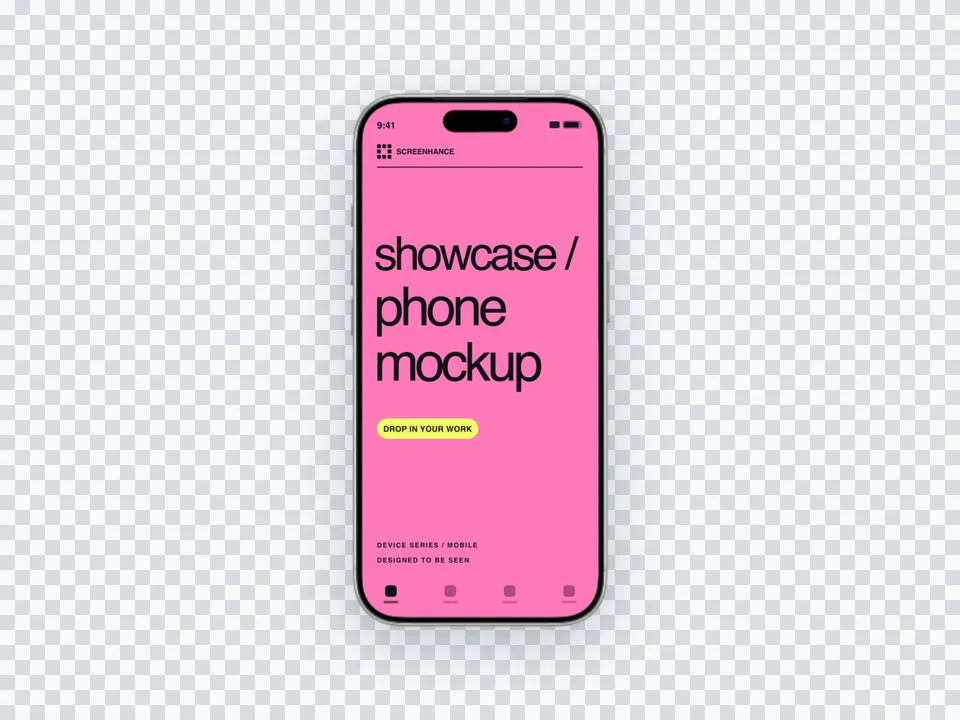
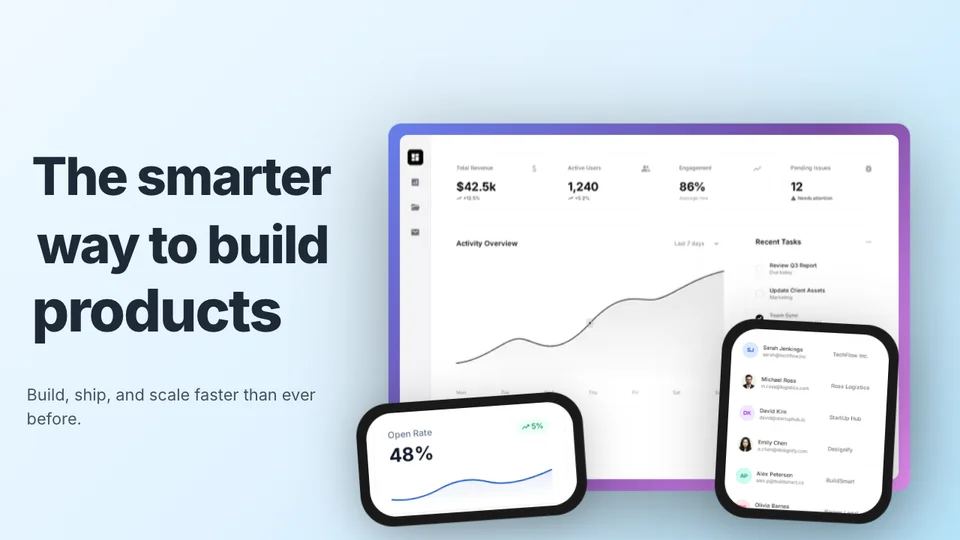
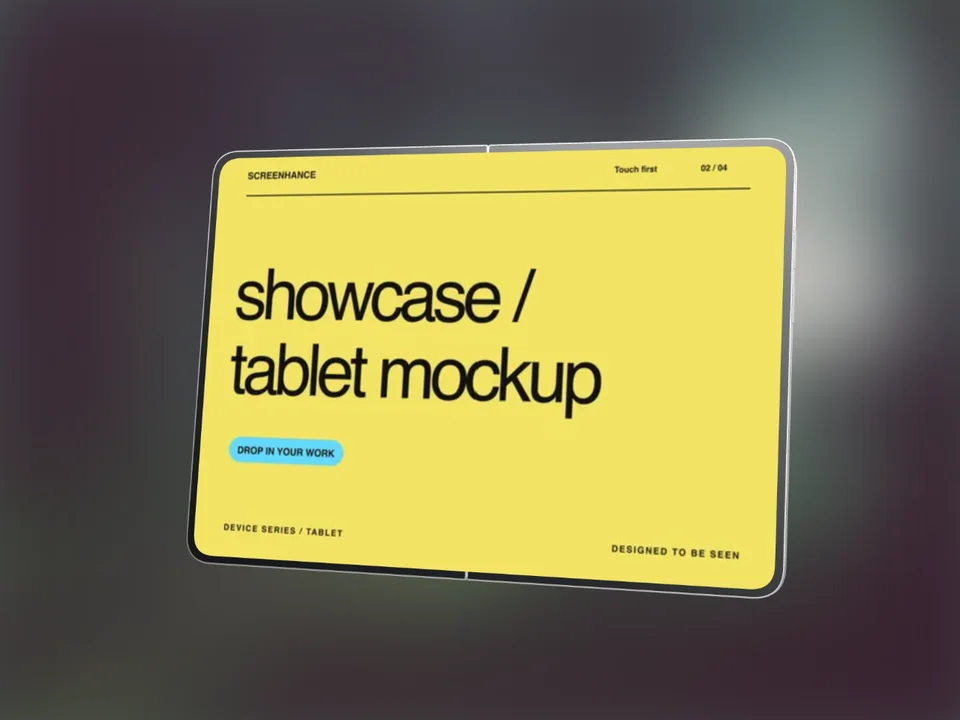
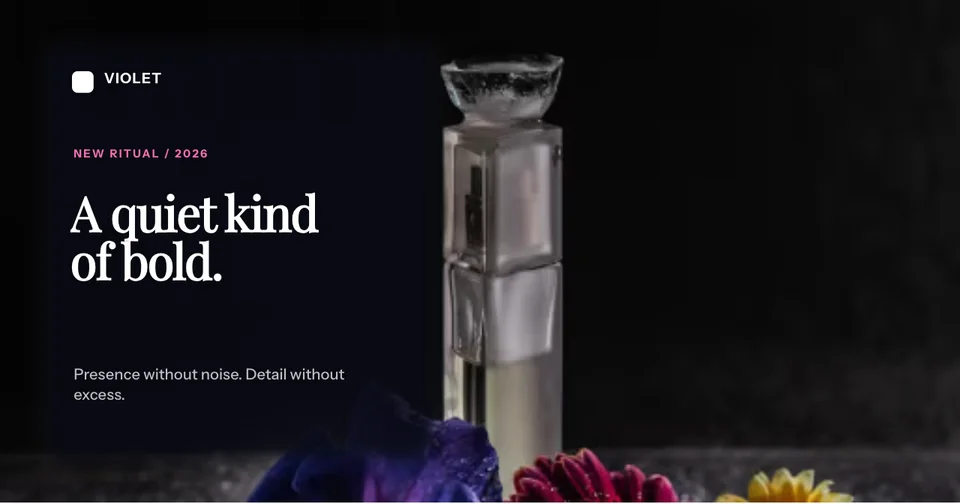
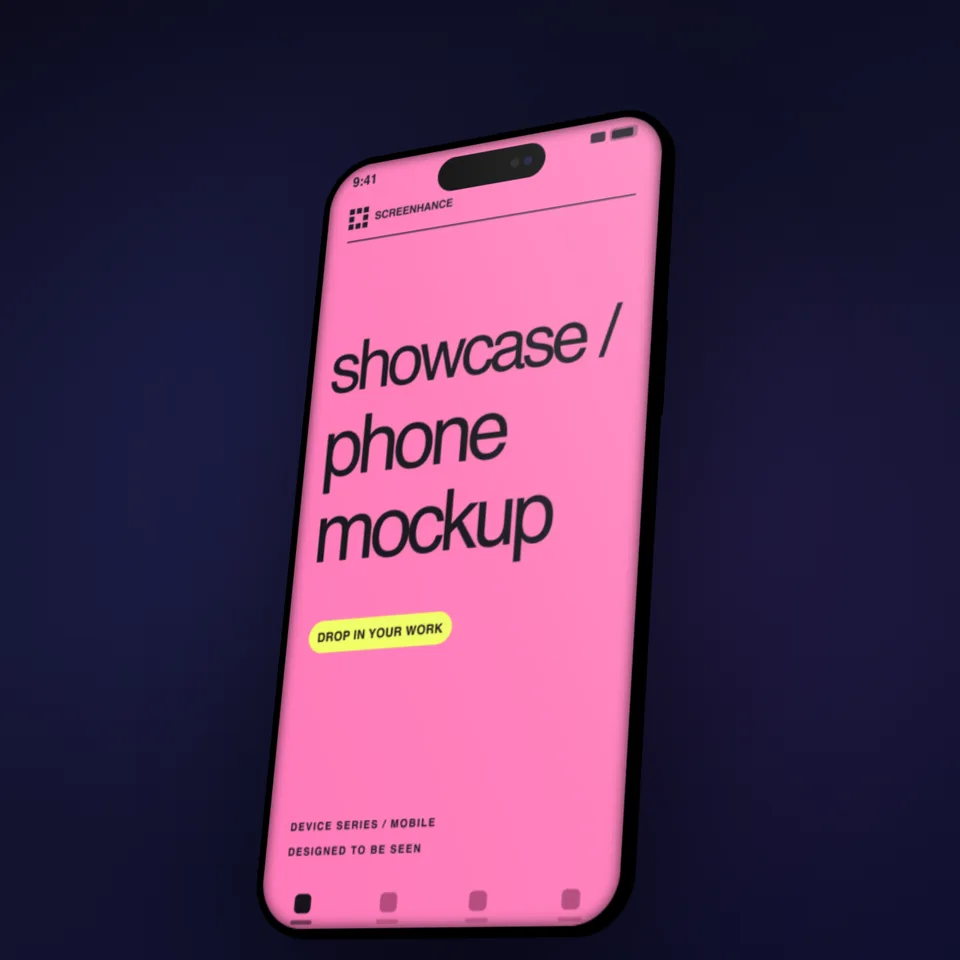
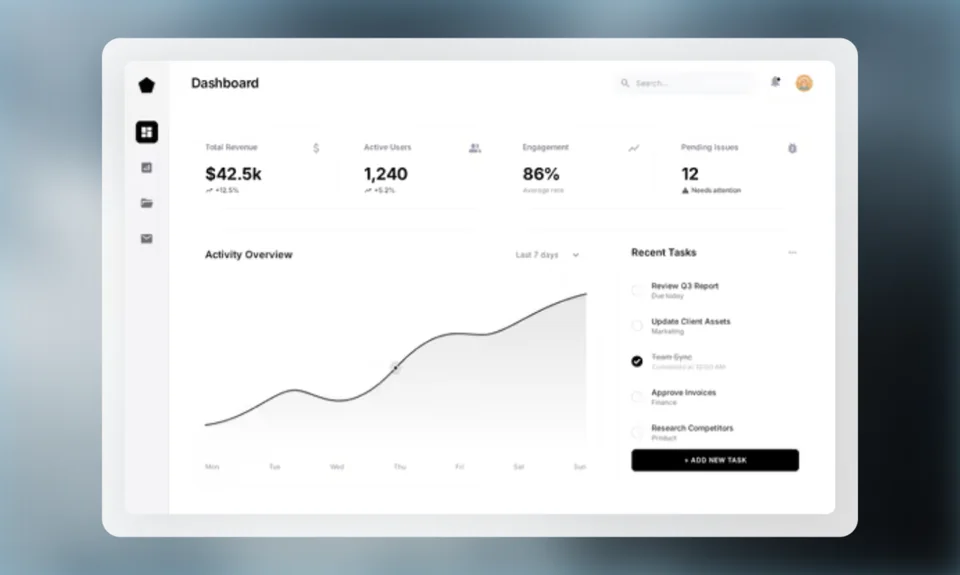
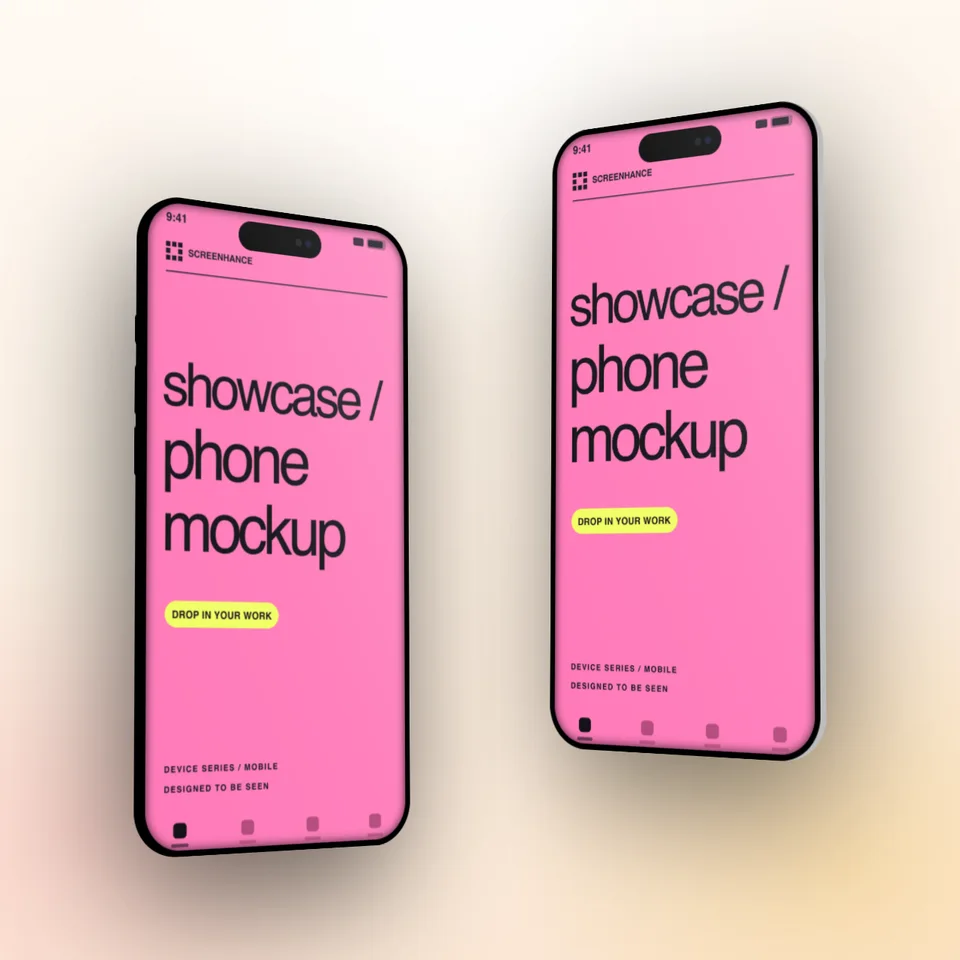
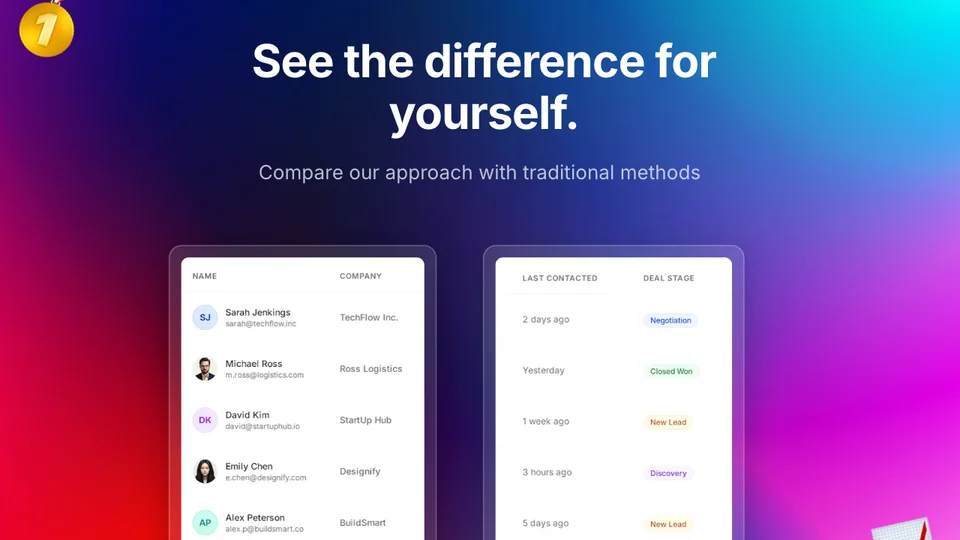
Start with an animated template, replace the screenshots, then tune the timing, movement, copy, and frame in the same editor.
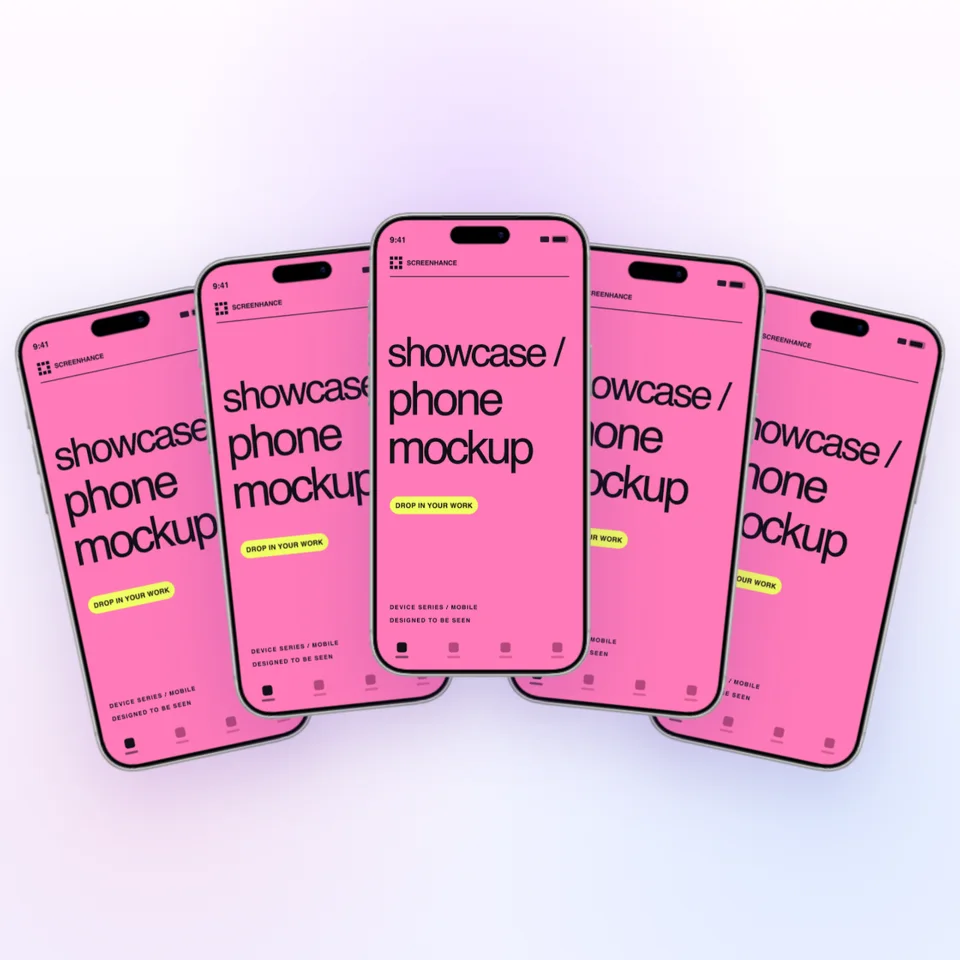
Add a frame, background, perspective, and depth—then reuse the look across your launch.
Explore the mockup generator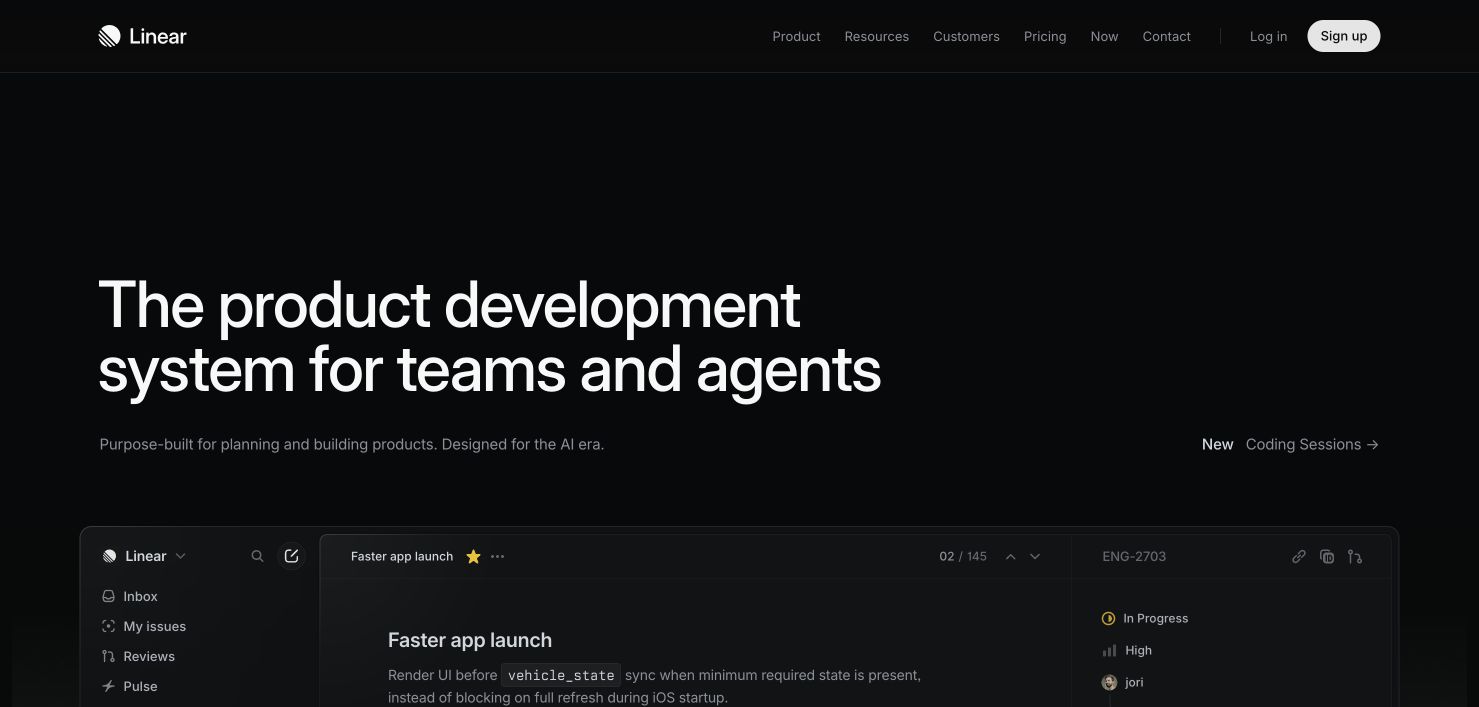
Start with a mockup or template. Reuse the same product UI across every launch surface.
Frame real product UI for website heroes, feature sections, comparisons, and social previews.
Explore the workflow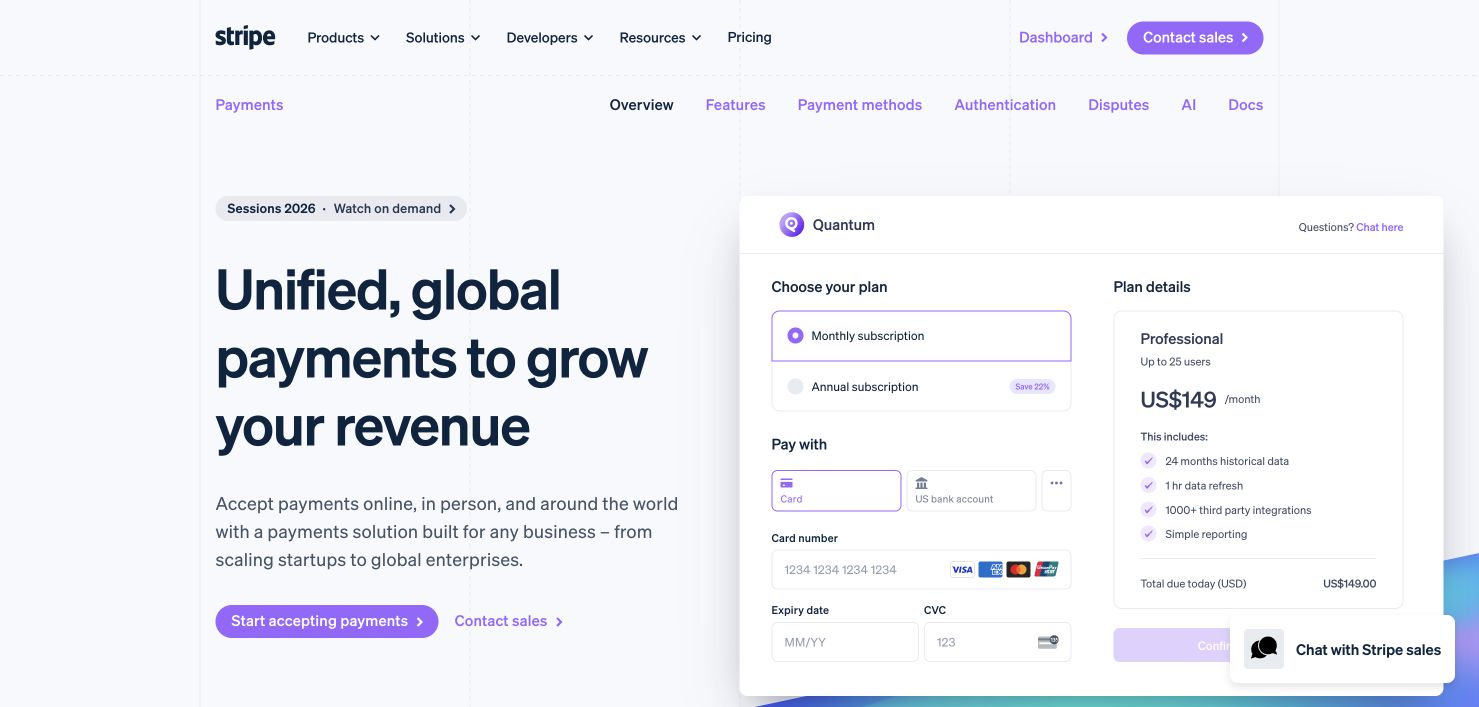
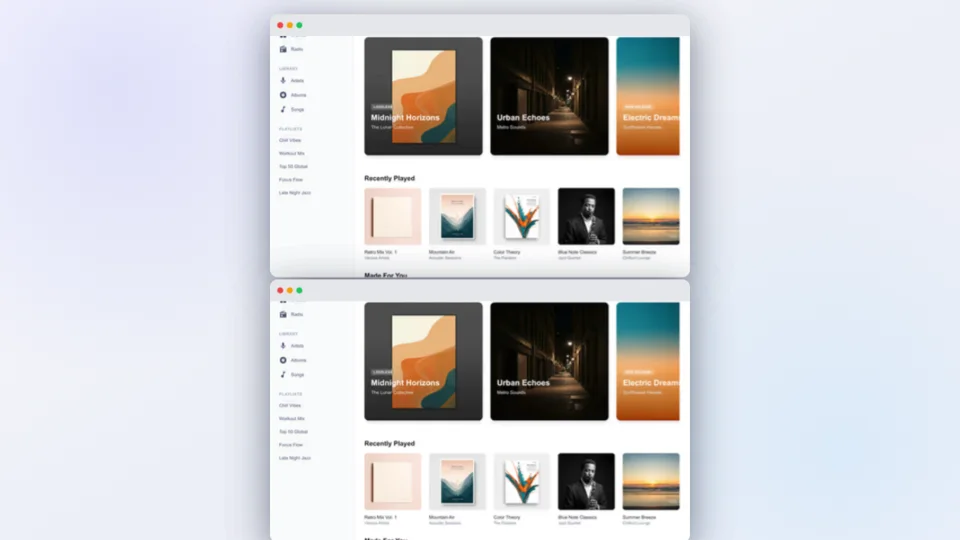
Turn one new screen into matching changelog, launch, email, and website visuals.
Explore the workflow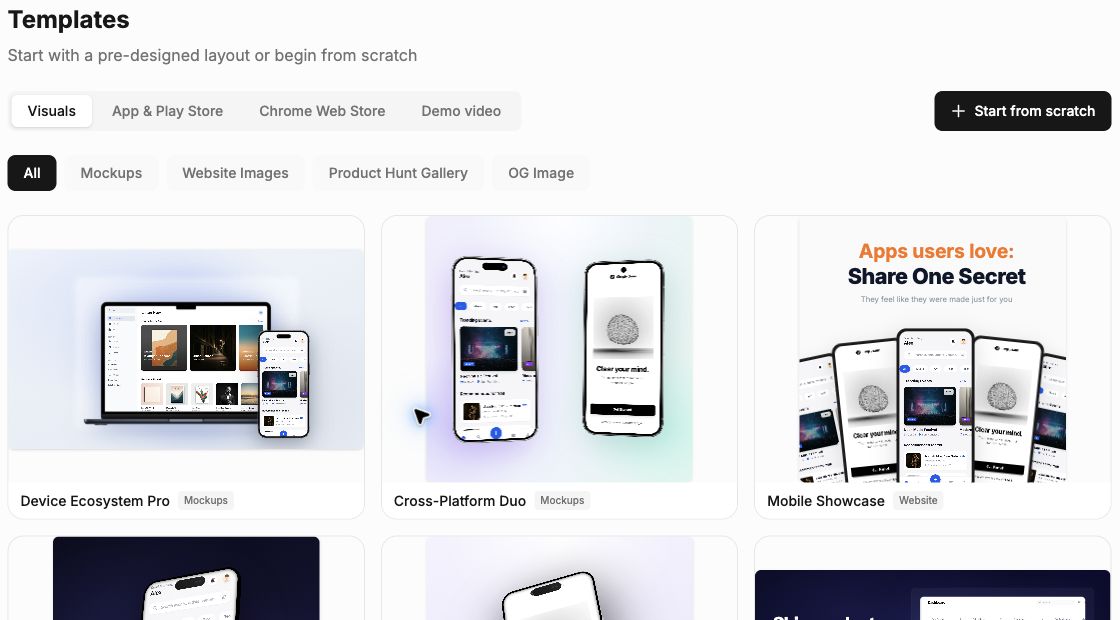
Create App Store and Google Play sets, then localize them without rebuilding the design.
Explore the workflow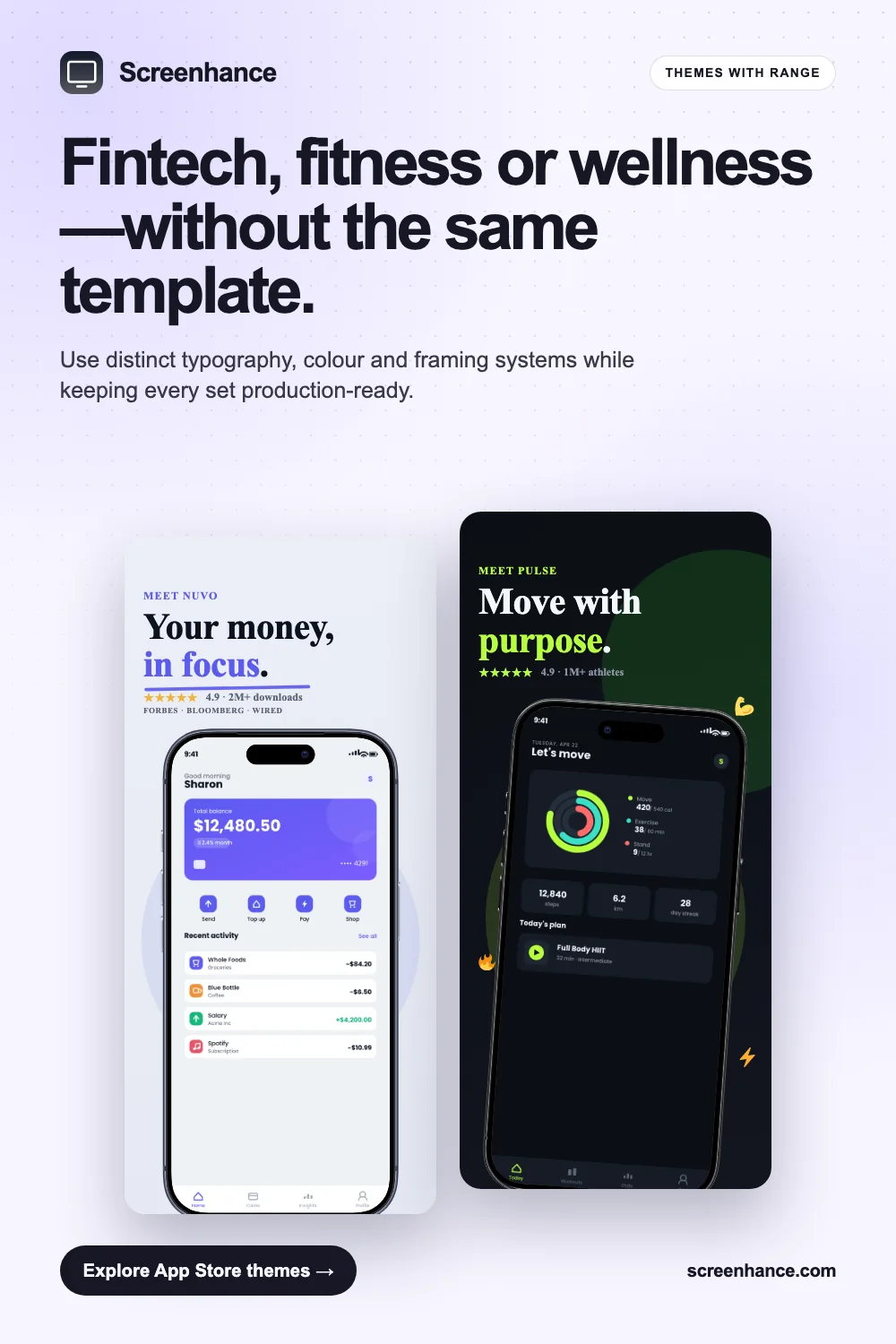
Turn a screen recording into a focused demo, launch clip, or website video.
Explore the workflow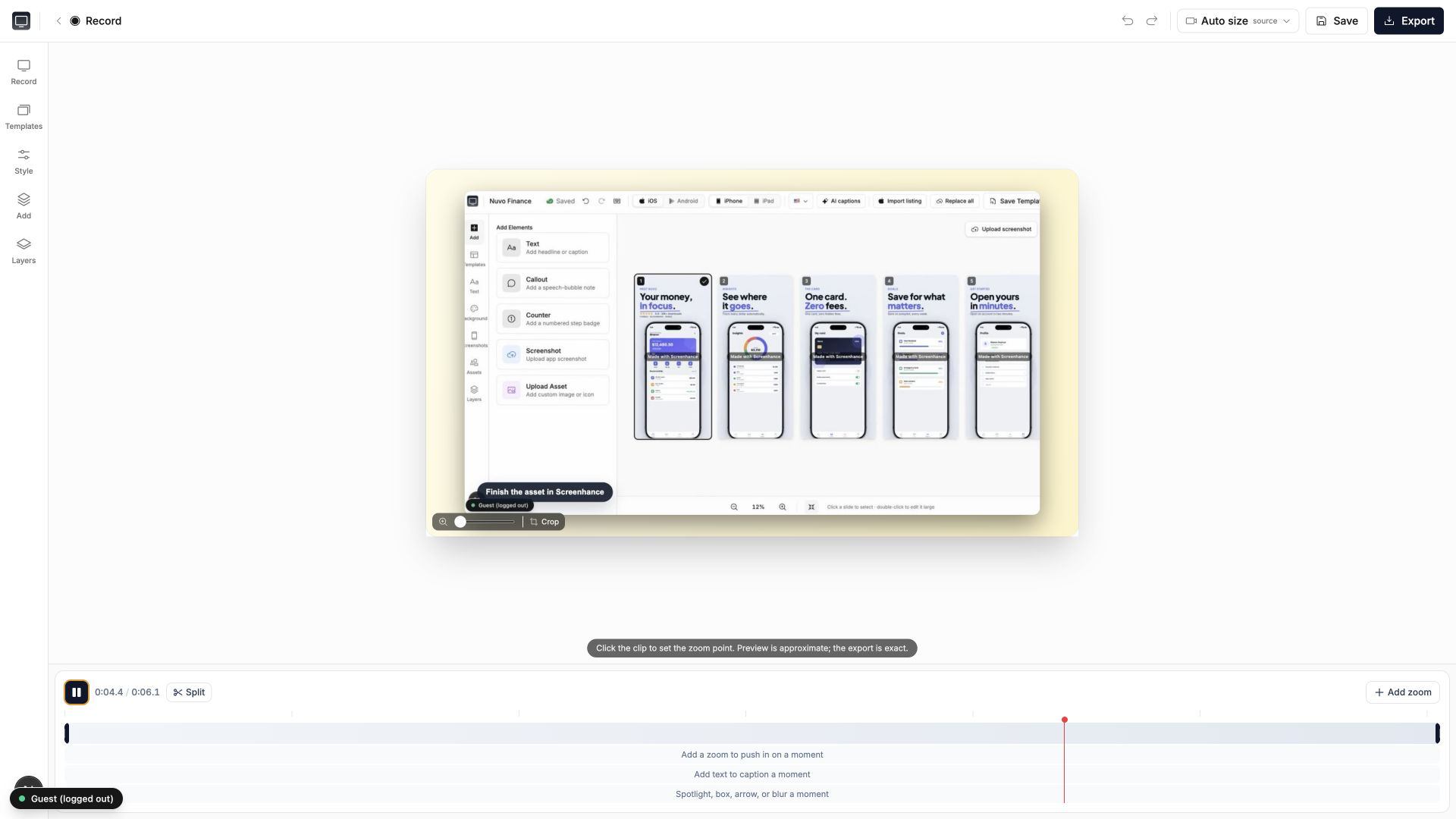
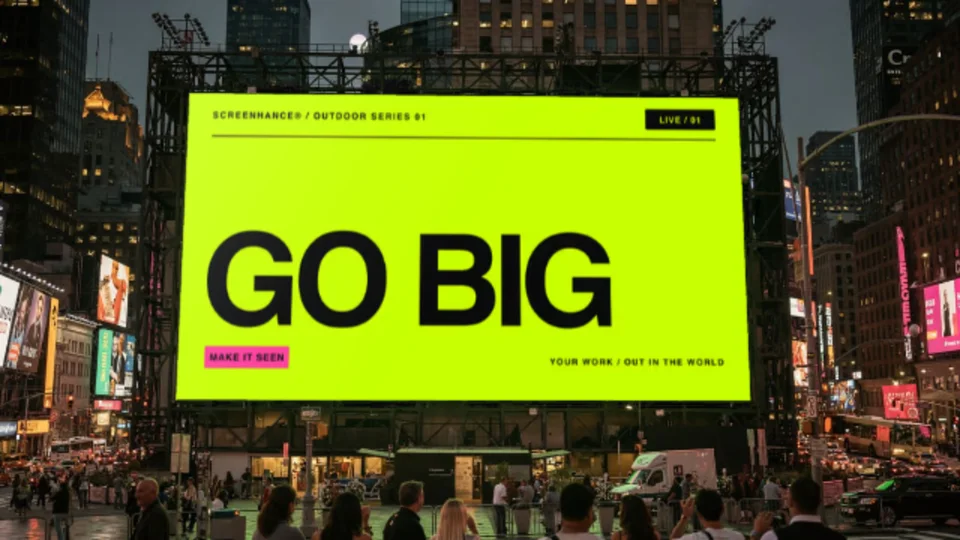
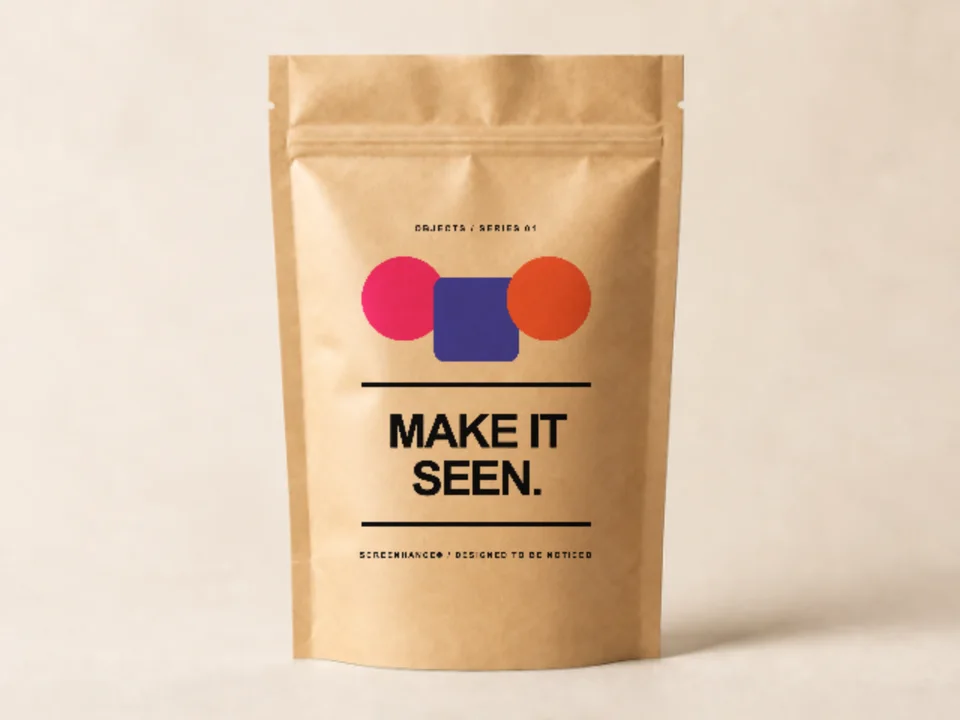
Preview billboards, apparel, packaging, and print before production.
Explore the workflow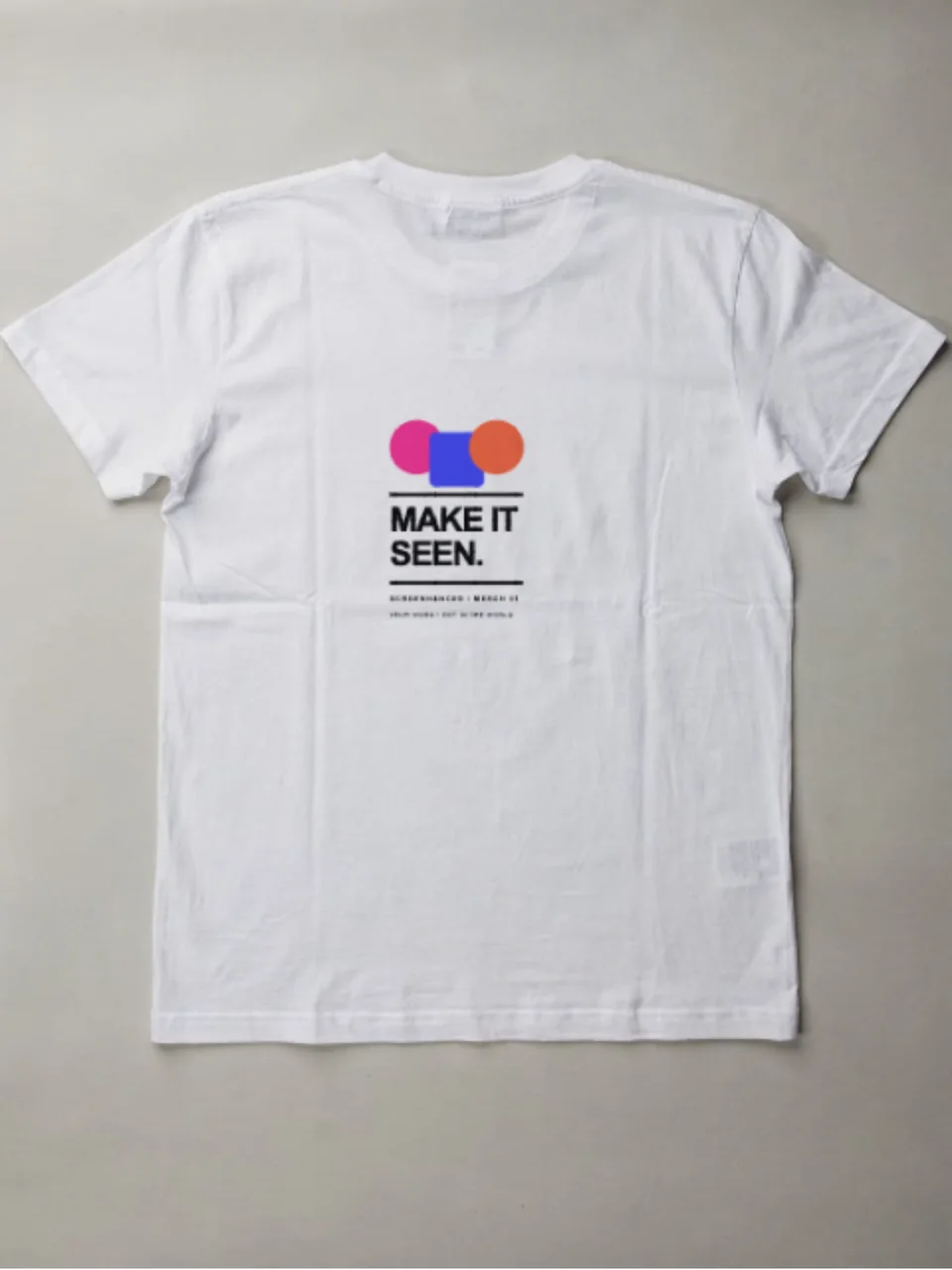
Choose a template or start from scratch, then keep the same visual system across static, motion, store, and real-world outputs.
Place screenshots or artwork in device, browser, apparel, print, packaging, and outdoor mockups.
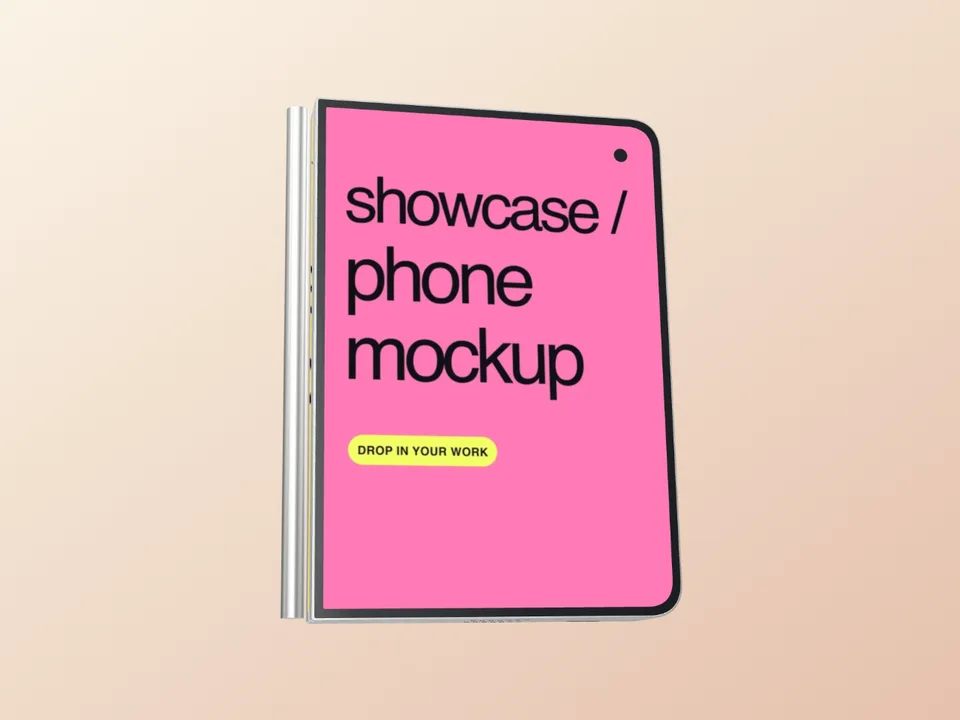
Turn product screens into editable launch clips, animated mockups, and website-ready motion.
Build coordinated App Store, Google Play, and Chrome Web Store graphics from one design.
Create hero images, feature visuals, OG cards, Product Hunt galleries, and social assets.
Start with a proven layout or build from scratch, then edit the copy, type, color, and framing.
Export static, motion, video, social, and store-ready formats at the size the destination needs.
Reuse product media, brand styles, and exact presets in one editor.
Reuse one screen across website, store, launch, and video.
Keep type, color, framing, and depth consistent.
Start fast, then adjust every part of the composition.
Export exact sizes for stores, social, web, and motion.
Upload screenshots, artwork, or a recording.
Pick a template, mockup, store set, or demo workflow.
Refine every layer and export the right format.
当前工作台免费使用,上传截图即可开始编辑。
为你的下一次发布准备图片物料。
关于LaunchStudio,你可能想了解这些。
当前支持 App Store 和小红书尺寸的静态图片,可编辑文字、截图、设备边框和背景。
先上传截图,再选择布局和配色。所有内容都可以在工作台继续调整。
当前支持 PNG 与 JPG,点击工作台的导出按钮即可下载。
草稿自动保存在当前浏览器。清理浏览器数据会删除草稿。
当前版本免费使用,不需要注册或填写支付信息。
页面中的动态模板为参考展示,当前工作台暂不支持视频或动效编辑。
模板展示沿用 LaunchStudio 参考素材,工作台目前提供基础布局与经典手机模板。
落地页支持手机浏览,制作物料建议使用桌面浏览器。
Still have questions? Reach out to us
